Choose a track, a level and a session
The Military Calisthenics app combines exercise demonstrations, ordered training plans and a timed follow-along player. Start by choosing a plan and previewing its first movement list, then set work and recovery time before beginning.
Start by choosing the demonstration track and a plan level. The men’s and women’s tracks use different authored sequences. Each has five levels and thirty plan days. Preview a first day before assuming a level name describes what you can currently perform.
The My plan screen presents the schedule and numbered sessions. The image below is an app screen supplied with this website. Its displayed time and calorie values are planning estimates, not a measurement of an individual user’s workout.
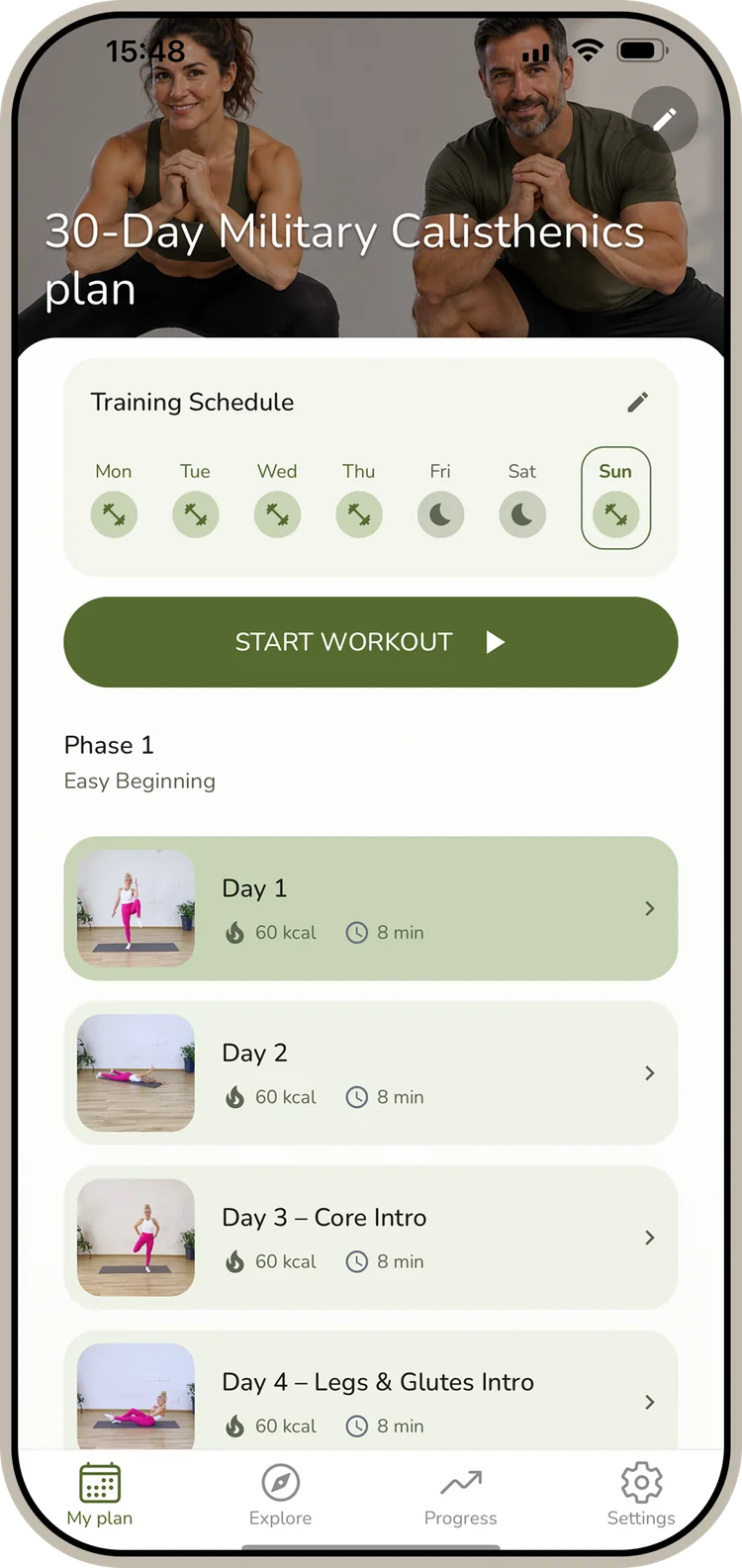
Read the movement list before starting
Open a day to see its sequence. Some app screens label the shorter selection Normal and the longer one Long; our web library calls these Short and Extended. The useful distinction is the movement list: the longer selection adds content within the warm-up, main work and cool-down.
The example screen below shows those sections and an exercise menu beside individual movements. Preview unfamiliar entries before starting the full timer. The complete day page on the website also links each named movement to its demonstration and instructions.
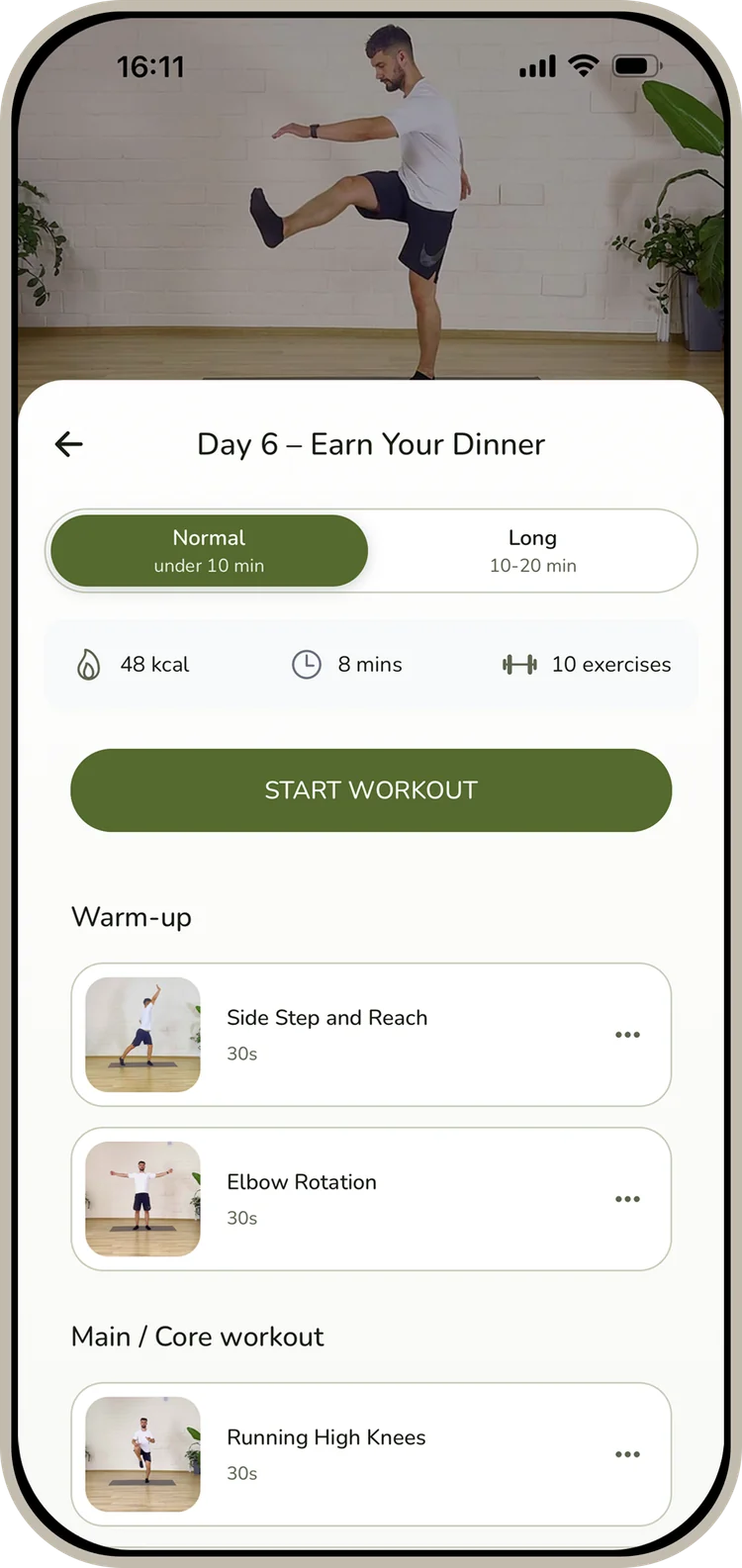
Preview and replace a movement deliberately
Open the demonstration to learn its starting position, movement path and return. Our floor Push-Up, for example, begins in a high plank and asks for a controlled lowering and press without the hips sagging. You can inspect a related wall, incline or kneeling version when comparing pressing demands.
When you replace an exercise, read the destination movement first. A related option may be harder, easier or simply different. The app also supports restoring a replacement. Your own note about the original movement and the chosen version makes later session comparisons clearer.
App demonstration. Open the movement guide for its complete instructions.
Set work, rest and audio independently
The workout settings provide 30-, 40- and 50-second work intervals. With Guidance enabled, preparation can adapt to its spoken explanation. Turning Guidance off exposes manual rest choices from 5 to 30 seconds. Extra pauses are still part of your real session time.
Music and spoken guidance are separate controls. Choose them for the way you want to follow the session, and check the work setting after changing session length. Check the work interval separately after choosing the longer movement list.
Use progress for what it records
Completed days and session history help you find your place and revisit the work you recorded. Record alignment, controlled repetitions and hold quality in your own notes. Keep your own performance notes if those comparisons matter to you.
For a first session to inspect, open Men’s Beginner Plan, day 1 or the women’s first day. The timer guide and the sequence-length comparison explain the two settings decisions in more detail. Store prices, trial terms and feature availability should be checked on the current listing and purchase screen when you download.
Try it in the library

About the author
Arisa TanaphonCalisthenics and bodyweight training writer
Arisa writes about calisthenics for beginners, bodyweight strength and building a consistent home workout routine. Her guides explain exercise technique, progression and training plans through practical demonstrations. She also teaches Tai Chi.